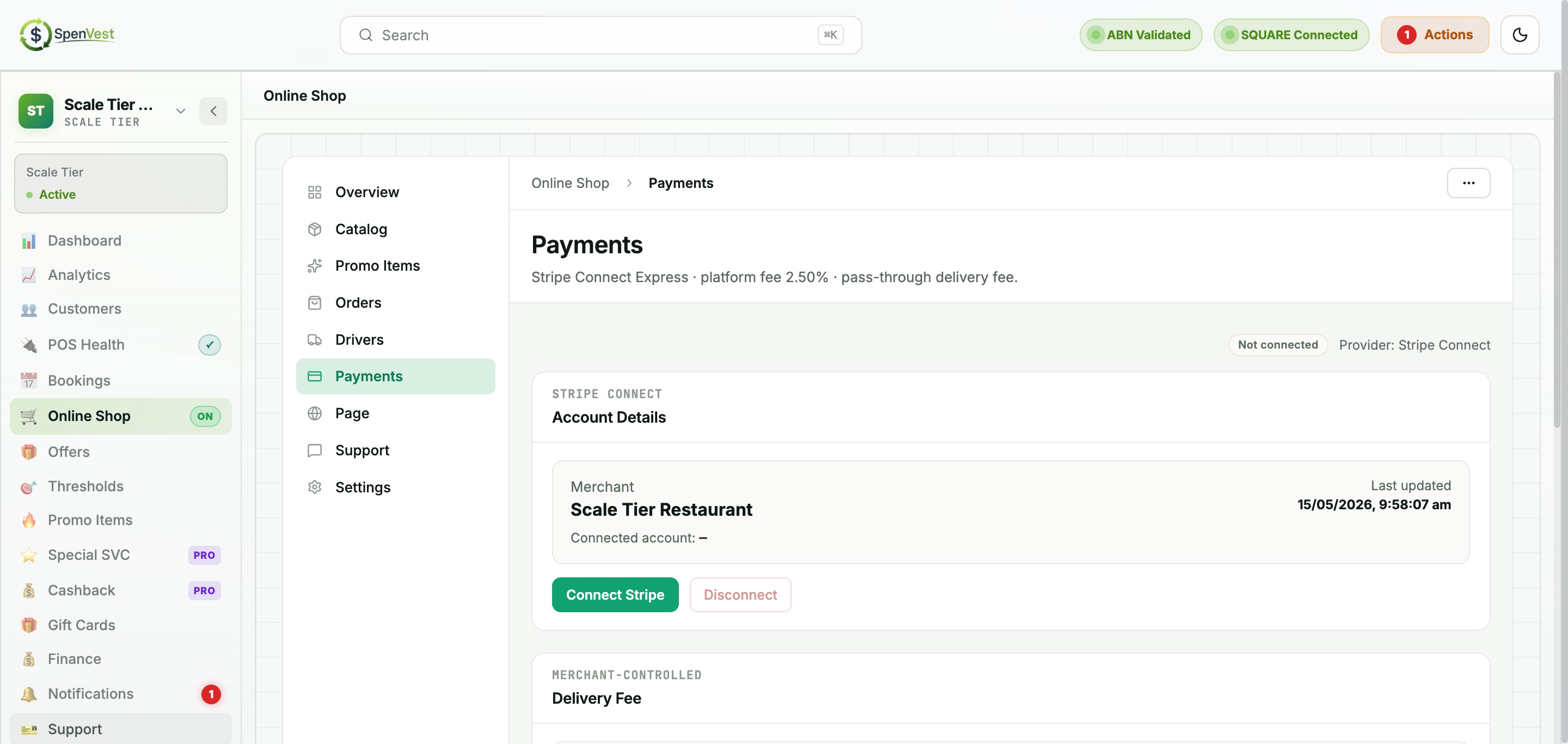
The Payments page manages your marketplace payment connection (Stripe Connect-style). This is required for receiving payouts from online shop orders. You can access Payments from the sidebar or through Settings.
Connecting payments
Navigate to Payments
Open the Payments page. If not yet connected, you will see the connection prompt.
Initiate connection
Click 'Connect' to begin the onboarding flow. The status will briefly show 'Pending' while setup completes.
Complete verification
If additional information is required, the status may show 'Restricted' with a list of items to address (e.g., business profile, bank account, representative identity, tax information).
Connection confirmed
Once all requirements are met, status changes to 'Connected' and payouts can be processed.