Documentation Center
Merchant User Guide
Learn how SpenVest helps businesses configure SVC rewards, ingest transaction activity, run campaigns, manage commerce tools, and measure retention-driven outcomes.
Introduction
3Understand the merchant-facing operating model of SpenVest.
Explore 3 articles →
Getting Started
4Set up your merchant account and begin onboarding.
Explore 4 articles →
POS Selection
2Choose the transaction source that best suits your business operations.
Explore 2 articles →
Customer Identification at Checkout
9Understand why and how staff should identify a SpenVest customer before completing payment.
Explore 9 articles →
Transaction Processing
4Connect SpenVest to your supported POS provider.
Explore 4 articles →
Manual POS Merchants
5Upload eligible purchase activity where direct POS connectivity is unavailable.
Explore 5 articles →
SVC Rewards System
6See how spend milestones become merchant-issued value.
Explore 6 articles →
Customer Engagement
3Understand the six customer segments used throughout the portal.
Explore 3 articles →
Merchant Commerce Tools
6Understand the Online Shop and how activation works.
Explore 6 articles →
Delivery and Driver Operations
4Manage your own delivery drivers directly from the portal.
Explore 4 articles →
Returns and SVC Adjustments
4Understand what happens to SVC when a customer returns a purchase.
Explore 4 articles →
Settlement and Finance
5Understand the Finance page and what it covers.
Explore 5 articles →
Payments Connection
2Connect your payment account to receive online shop payouts.
Explore 2 articles →
Analytics
4Use sales views to understand trade movement alongside reward programs.
Explore 4 articles →
Subscription Management
5Understand the four subscription tiers and what each includes.
Explore 5 articles →
Merchant Subpage
1Create and edit your public-facing merchant page.
Explore 1 articles →
Category-Specific Modules
4Manage table or venue bookings for hospitality businesses.
Explore 4 articles →
Settings
1Review and manage your business configuration, integrations, and plan details.
Explore 1 articles →
Security
2Protect operator access and configuration authority.
Explore 2 articles →
Troubleshooting
4Diagnose common transaction sync problems.
Explore 4 articles →
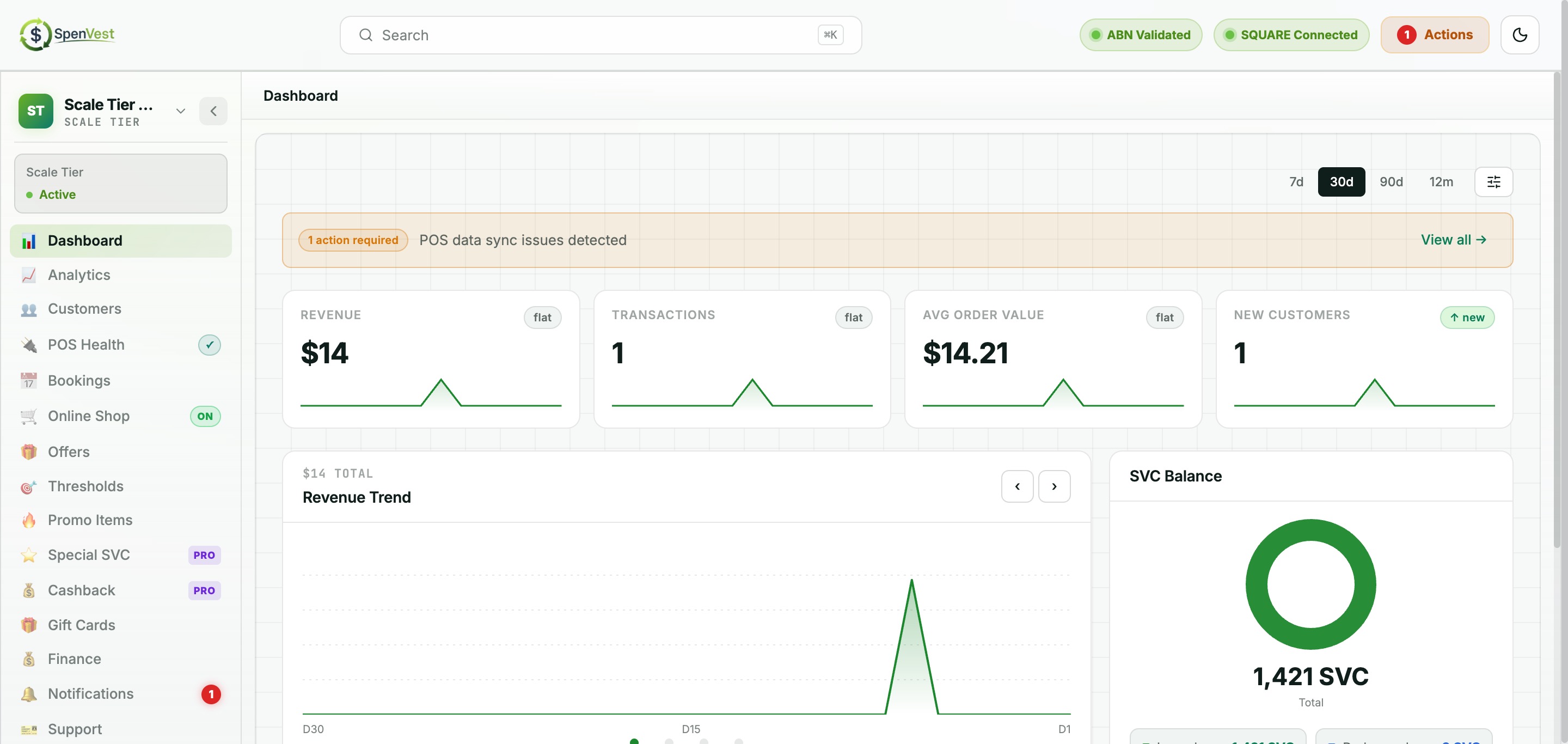
Dashboard
1Monitor your business performance at a glance.
Explore 1 articles →
Frequently Asked Questions
1Quick answers to common merchant questions.
Explore 1 articles →
Demo and Implementation Notes
1Behaviours that are mock, simulated, or phase-1 only.
Explore 1 articles →