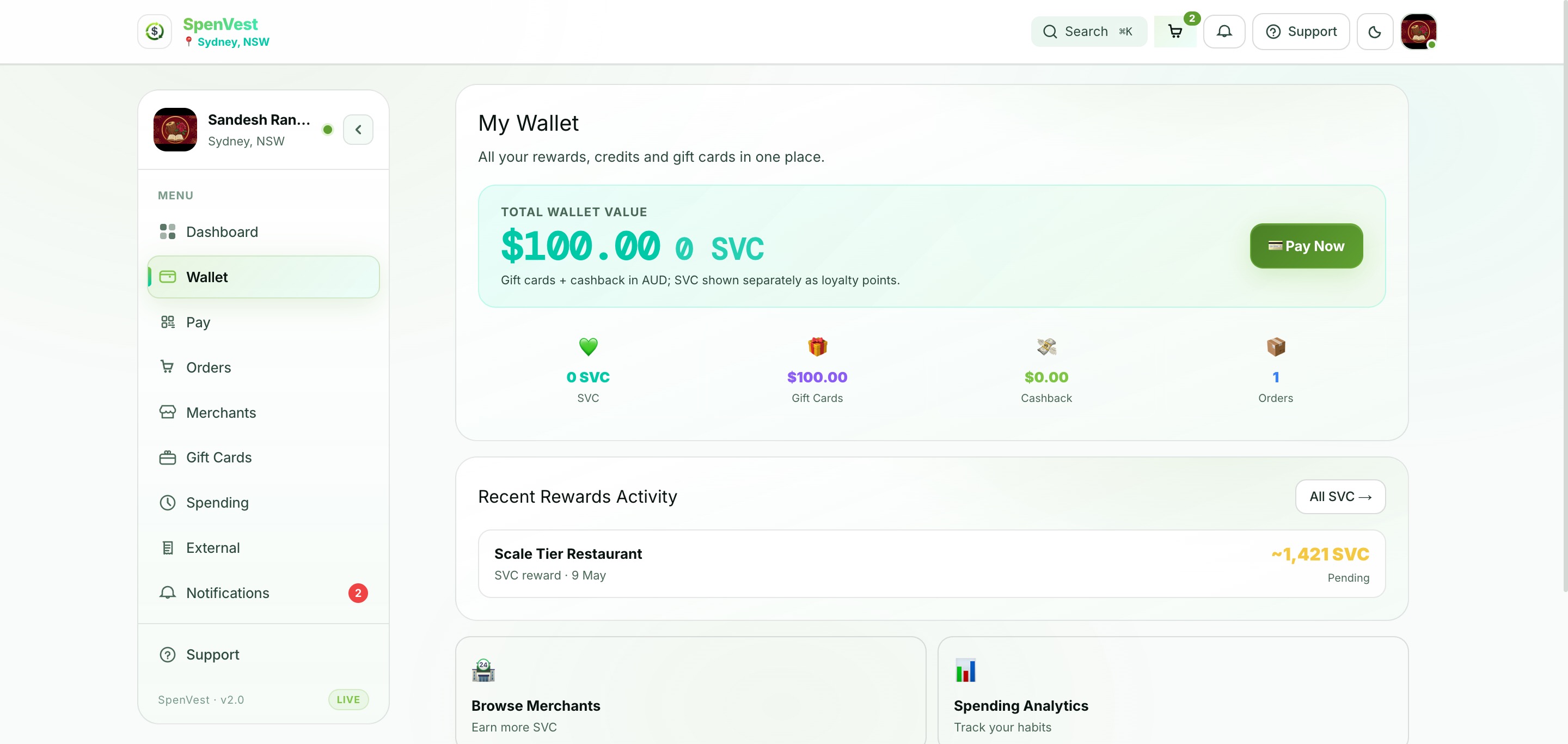
After the merchant completes payment and your purchase has been identified, the transaction enters the merchant's processing pipeline. SVC is calculated based on the merchant's configured eligibility rules, threshold progress, and any active campaigns.
After you pay
Transaction is recorded
The merchant's POS records the sale and the link to your SpenVest account.
Eligibility is evaluated
The system checks whether the purchase meets the merchant's reward rules (spend amount, product category, campaign conditions).
Threshold progress updates
If eligible, your progress toward the merchant's reward threshold is updated in your wallet.
SVC is issued when thresholds are met
When your cumulative progress reaches the threshold requirement, the merchant issues SVC to your wallet.
You will see your SVC after the transaction is processed by the merchant. This may be immediate for API-connected POS systems, or may take some time for stores using manual or batch processing workflows.