Customer User Guide

Using SpenVest at Checkout

Troubleshooting

Common issues and what to do if something goes wrong at checkout.

2 min read

If you do not see SVC or threshold progress after a purchase at a participating merchant, there are several common reasons and steps you can take.
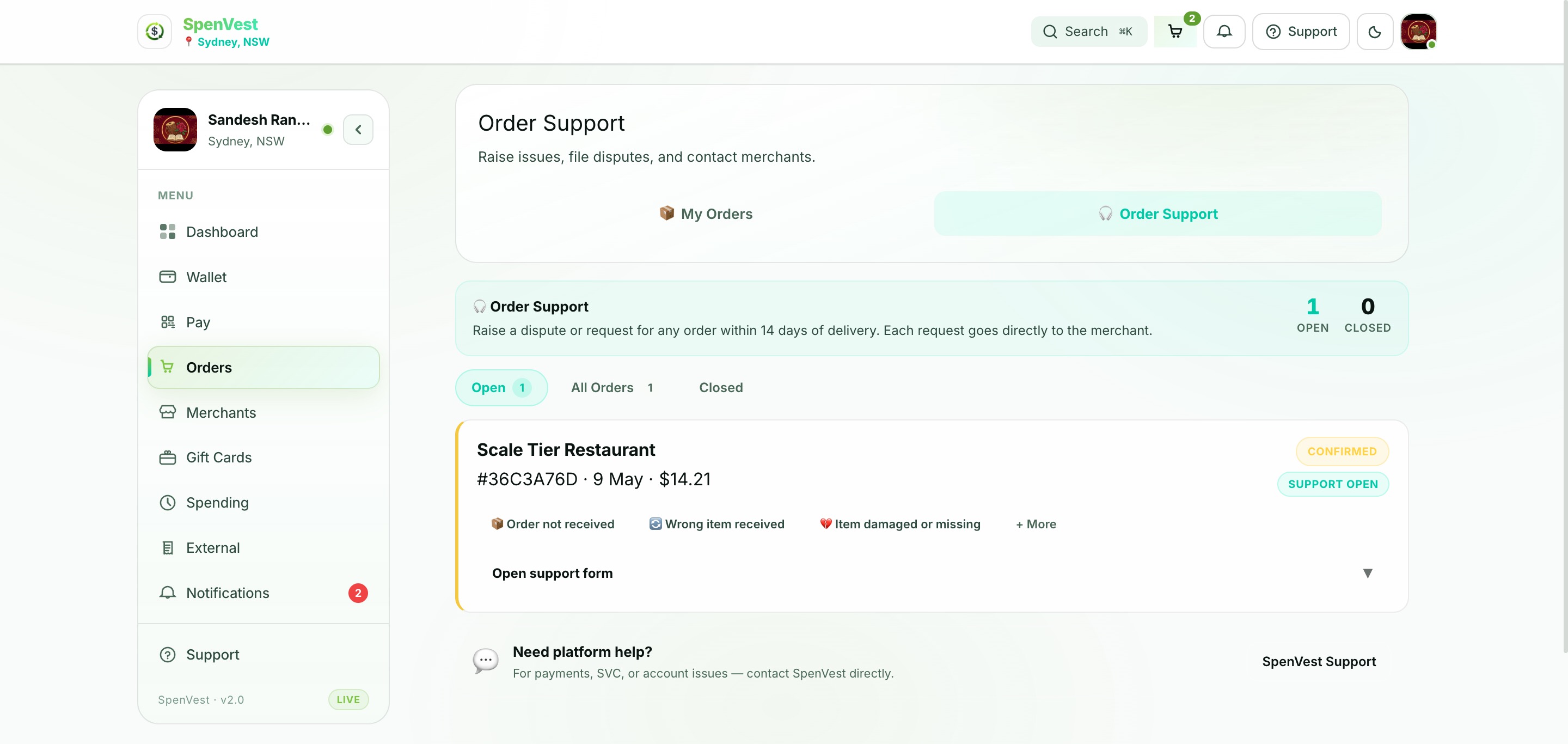
Order support screen showing options to report an issue, get help with a missing order, or contact merchant support
Use the order support screen to report checkout issues or request help with a missing transaction
If the merchant did not scan or enter your SpenVest code before completing payment, the transaction may not be linked to your account. For future purchases, always present your code before payment is finalised.
Customer User Guide