When you pay at a participating merchant, you should identify yourself as a SpenVest customer before the merchant completes payment. This is done by showing your SpenVest QR code or member code at checkout. The merchant scans or enters your code, attaches you to the sale, and then processes payment normally.
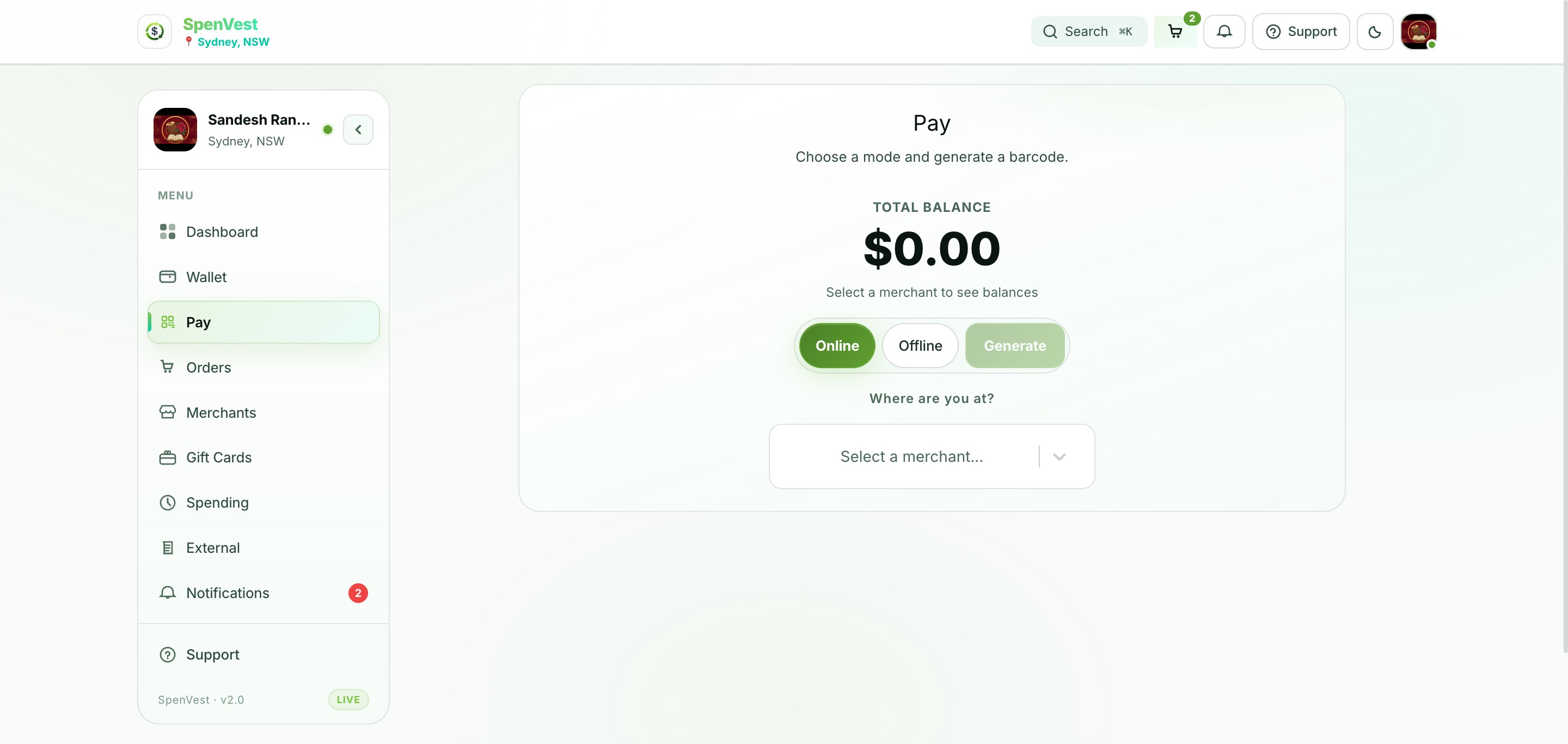
Your SpenVest QR code is for identification only. It does not make a payment and does not redeem SVC. You will still need to pay using the merchant's normal payment method (card, cash, etc.). SVC is calculated after the transaction is completed by the merchant.
Without identification, the merchant cannot link your purchase to your SpenVest account. This means your transaction may not count toward threshold progress, SVC attribution, or retention tracking. Always show your code before paying.